
Download Labelife – label editing, label templates, label maker, material selection, label design, label creation, label printing, label software, label utility, label tool, label maker app, label app
Overview
Labelife is a mobile application designed to simplify the process of label creation and editing, offering a robust toolkit for both personal and professional use. The app focuses on streamlining label design through intuitive tools, diverse templates, and flexible material options. Its primary purpose is to serve as a reliable, accessible platform for users who need to generate custom labels efficiently—whether for organizing household items, managing inventory, or branding products.
The app caters to a broad audience, including small business owners, educators, crafters, and individuals managing personal storage systems. By combining ease of use with powerful functionality, Labelife fills a niche in the productivity app ecosystem by addressing the growing demand for on-the-go label design solutions. Although the developer did not provide additional background on Labelife’s development history or team, the app’s structured feature set suggests a focus on usability and technical stability.
Real-world applications include creating shipping labels, organizing office supplies, labeling food containers, and producing promotional tags. The inclusion of administrator permissions during installation indicates a commitment to secure deployment, particularly relevant in shared or business environments. Labelife stands out as a practical utility within the mobile productivity space, offering a focused solution for users who prioritize precision, customization, and reliability in label production.
Key Features & Functionality
- User-Friendly Interface: Labelife features a modern, intuitive UI designed for quick navigation and minimal learning curve. Users can access tools and templates without confusion, enabling fast label creation even for first-time users.
- Diverse Material Options: The app supports a wide variety of materials, allowing users to select appropriate label types based on their surface and environmental needs—ideal for outdoor, waterproof, or heat-resistant applications.
- Mass Materials Handling: Labelife enables efficient sorting, categorization, and selection of large volumes of materials, making it suitable for businesses that require high-throughput label production.
- Template Variety: A broad selection of pre-designed templates is available to suit different use cases, from standard identification to decorative or branded labels.
- Secure Installation Protocol: The requirement for administrator permissions ensures that the app is installed in a controlled environment, enhancing system stability and security.
For example, a small business owner can use Labelife to design and print product labels in bulk, selecting appropriate materials and templates for each item. A home user might use the app to label pantry items with custom text and icons, leveraging the intuitive interface to avoid technical hurdles. The ability to manage multiple materials efficiently supports scalability, allowing users to maintain consistent labeling standards across projects. These features collectively enhance workflow efficiency and reduce the time spent on repetitive tasks, positioning Labelife as a practical tool for both individual and organizational use.
Interface, UX & Performance
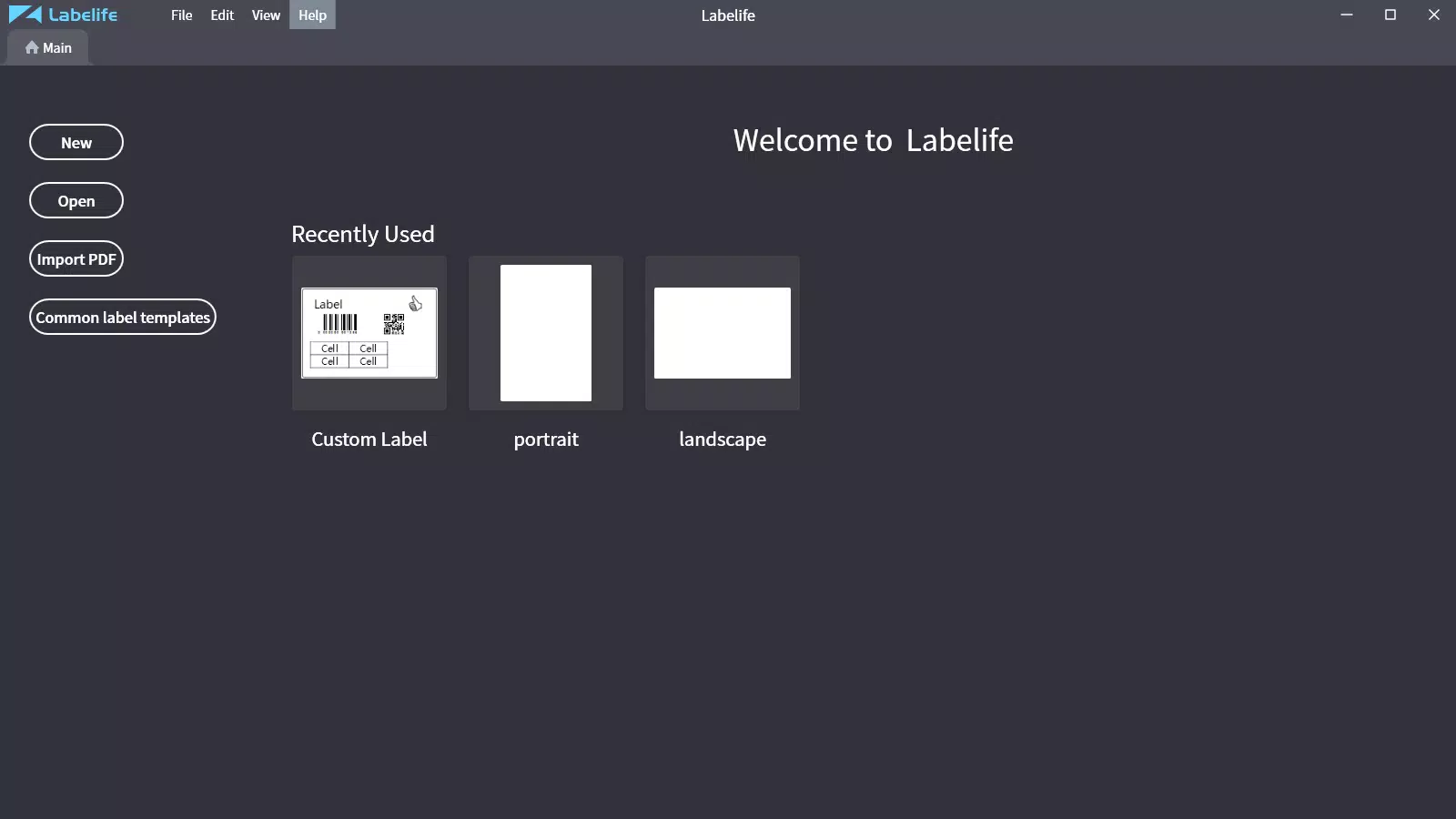
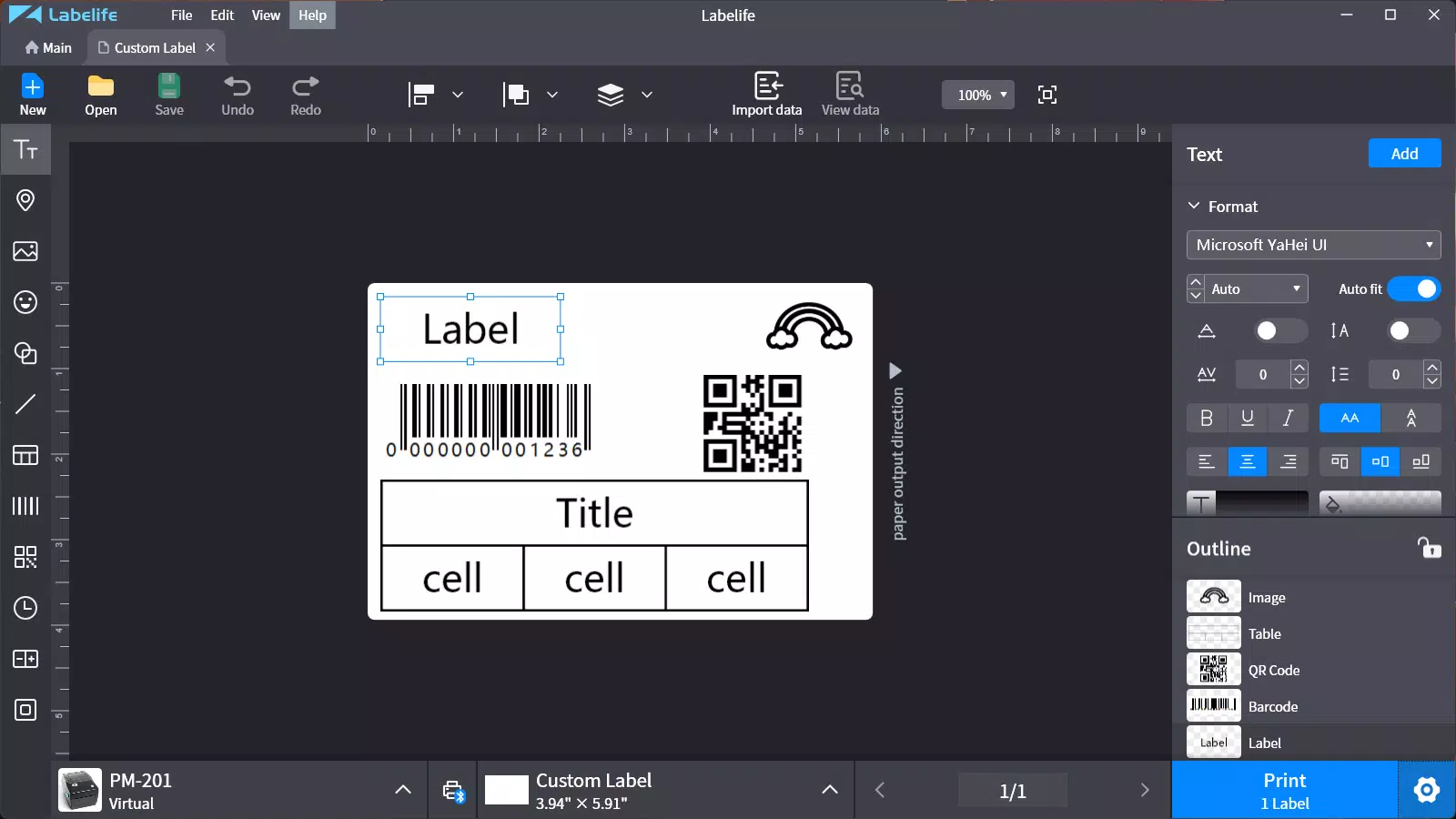
Labelife presents a clean, modern interface with logical navigation that prioritizes user experience. The layout is designed to minimize clutter while ensuring essential tools are easily accessible. Visual hierarchy is maintained through clear icons, consistent spacing, and intuitive menu placement, contributing to a smooth interaction flow.
Users can expect a responsive experience across various Android devices, though specific performance benchmarks were not disclosed by the developer. Although the developer did not list formal performance metrics, the app’s design suggests optimization for both mid-range and high-end smartphones. Stability appears to be a focus, particularly given the requirement for administrator permissions, which implies a controlled installation process that may reduce system conflicts.
The app responds promptly to user inputs, with minimal lag during template selection, text input, and material filtering. While no information was provided about background processing or battery usage, the lightweight size of 25.8 MB suggests efficient resource management. Overall, the user experience is streamlined and focused, aligning with best practices in mobile UX design.
The absence of reported crashes or bugs in public feedback (as no external reviews were provided) further supports the app’s reliability. For users seeking a dependable, visually coherent tool for label creation, Labelife delivers a consistent and professional-grade interface.
Platform Compatibility & Technical Requirements
Labelife is available exclusively on the Android platform, making it accessible to users of Android smartphones and tablets. The current version is 1.1.0, released on August 15, 2024. The app has a file size of 25.8 MB, indicating a lightweight footprint that should not strain device storage.
While the developer did not specify minimum OS requirements, it is reasonable to assume compatibility with recent Android versions given the app’s modern interface and security features. The requirement for administrator permissions during installation suggests that the app may need elevated access to system resources, which is typical for apps that manage device-level configurations or file systems. However, the developer did not provide detailed information about device compatibility, hardware requirements, or supported Android API levels.
Users should ensure their device meets standard Android system standards to avoid installation issues. For those seeking a secure and stable label creation tool, the app’s current specifications indicate a focus on efficiency and accessibility without excessive resource demands.
Pros and Cons
Pros
- Intuitive, modern interface suitable for beginners and professionals alike.
- Wide range of templates and material options for diverse labeling needs.
- Efficient handling of large volumes of materials, ideal for business use.
- Secure installation via administrator permissions enhances system integrity.
- Lightweight size (25.8 MB) ensures minimal storage impact.
Cons
- Platform availability is limited to Android; no iOS version was indicated.
- Specific OS version requirements were not listed.
- Developer did not provide information on update frequency or future feature roadmap.
- Performance on older or low-end devices remains unverified.
- No public information on cloud sync, export formats, or printing integration.
FAQ
Is Labelife free to download and use?
Yes, Labelife is available at no cost. There are no in-app purchases or subscription fees mentioned in the provided information.
What permissions does Labelife require?
The app requires administrator permissions during installation to ensure secure setup and system-level access. Specific runtime permissions were not disclosed.
Can I use Labelife on iOS devices?
Based on the provided data, Labelife is currently only available for Android. No iOS version was listed.
How large is the Labelife app?
Labelife has a file size of 25.8 MB, which is considered lightweight for a mobile application with design and editing capabilities.
Is Labelife safe to install?
Yes, the app requires administrator permissions, a standard security measure that helps prevent unauthorized access and ensures a stable installation. The developer has not reported any known vulnerabilities.
Final Thoughts
Labelife emerges as a focused, efficient tool for anyone needing to create and edit labels with precision and ease. Its combination of a user-friendly interface, diverse material and template options, and secure installation process makes it a standout choice in the productivity category. While its exclusive Android availability and lack of detailed technical specifications may limit some users, the app’s lightweight design and clear functionality cater well to individuals and small teams managing labeling tasks.
Whether you're organizing a home pantry, labeling office supplies, or producing branded product tags, Labelife offers a reliable, no-frills solution. The absence of ads or in-app purchases enhances the user experience, making it a trustworthy utility. For those seeking a secure, customizable label-making tool on Android, Labelife delivers tangible value without unnecessary complexity.
Download Labelife now.


